Get to rewards faster with the Blue Rewards app
Keep Blue Rewards in the palm of your hand. Scroll to see all the ways the app can help you get the most out of the program.
Download it today for your iOS and Android devices. *



Update your account
Edit your profile information, opt in settings, in-store redemption lock, and more in just a few taps.

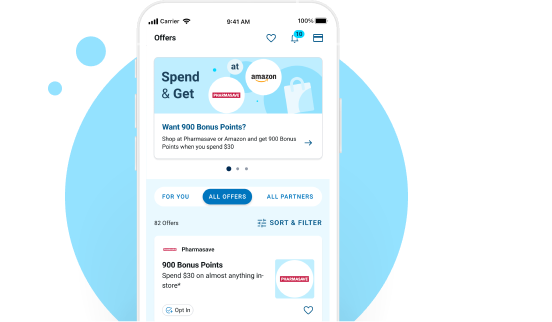
Explore offers
Stay up to date on offers from Partners you love. Be sure to check back regularly, new offers are available weekly.
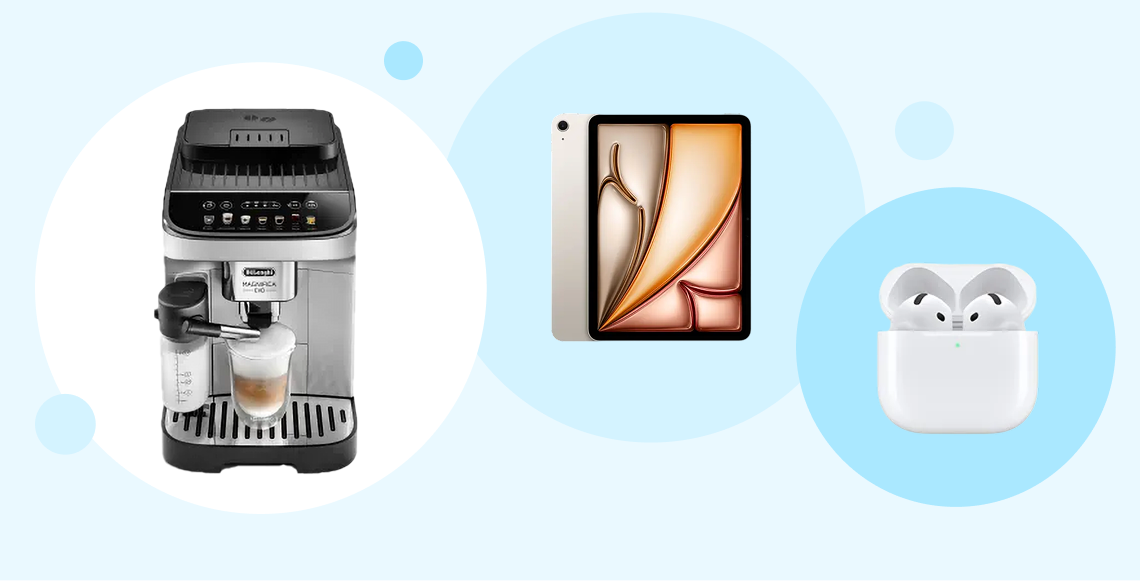
Browse rewards
From top picks based on your balance and what’s popular, to eGift Cards and travel, you can browse our Rewards Catalogue right in the app.
View transactions
See how many Points your recent purchase or an offer you used earned you.

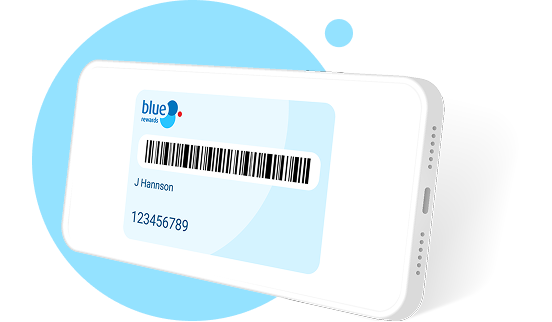
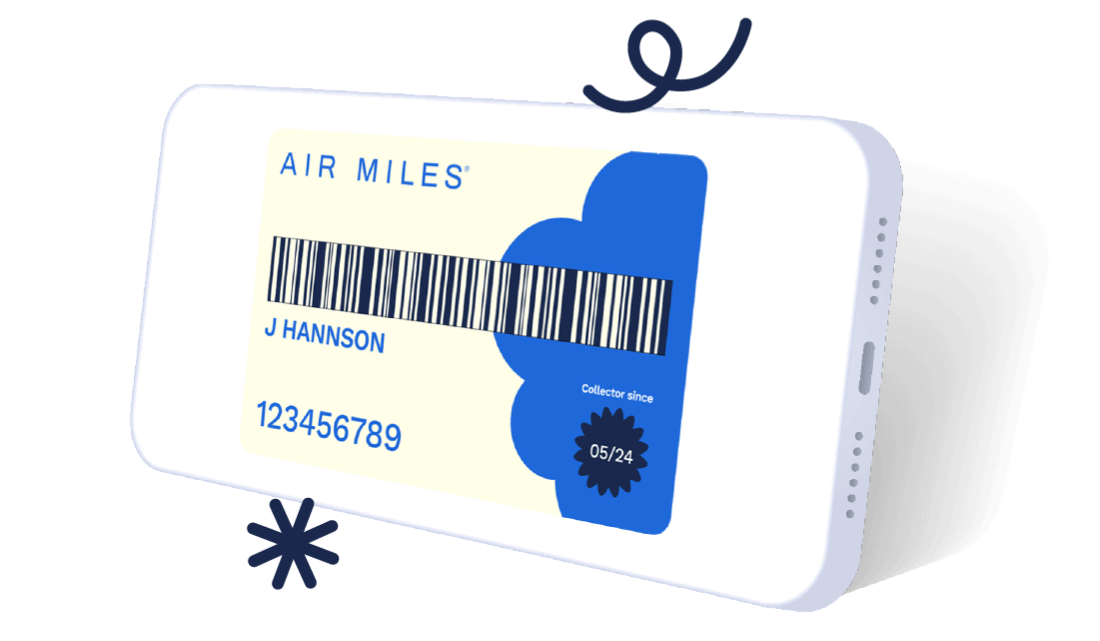
Digital card
Keep your Blue Rewards Member card close and ready to be scanned at participating in-store Partners.
FAQS
The AIR MILES App is available to download from the Apple App Store and Google Play.
Yes, by going to your digital Card page, you’ll be able to add your digital Card to your Apple Wallet,or Google Pay or Samsung Pay.
You’ll get access to an assortment of offers based on your province/region and/or your shopping habits, including: Spend & Get offers, product offers, multiplier offers and AIR MILES Cash offers.
Some offers require no additional action once they’re activated and loaded to your digital Card. The AIR MILES App may also contain some offers that have a price look-up (PLU) or bar codethat needs to be scanned or manually entered by the cashier upon checkout at participating Partner locations.
To load the offers to your AIR MILES Card, tap the plus icon or “add to Card” button next to each offer. Once you've tapped to “activate” the offer and loaded it to your digital Card, the plus icon or “add to Card” button will turn into a checkmark or a bar code.
Offers with a checkmark require no further action, but offers with a price look-up (PLU) or bar codewill have to be scanned or manually entered by the cashier upon checkout at participating Partner locations.
Once loaded,your offers will stay on your AIRMILESCard until they expire, which is based on how long the offer periods are valid for. See the Terms and Conditions of each offer by clicking on the offer.
Your Account balances can be found on the Home screen of the AIR MILES App.
Within the AIR MILES App, you can browse the Rewards Catalogue and view participating Cash Partners. In order to use Miles towards a Reward, you need to click on “Order on Website,” which will redirect you to airmiles.ca to order your selected Reward.
Yes. Tap the “Account” heading at the bottom of your screen. From there, you’ll find theCash Account Lock, which you can turn on and off at any time. This ensures that your Cash Miles cannot be used without first unlocking your Account.
iPhone
- Open up the Settings App from your Home screen
- Tap on Notifications
- Tap on “AIR MILES”
- Tap on the slider beside “Allow Notifications” and move it to “On”
Android
- In the Settings menu, tap on “Apps” or “Applications”
- Tap on “AIR MILES”
- Onthe App settings page shown, tap the “Notifications” category
- Make sure the “Block all” setting is turned off
Under the “Account” heading at the bottom of your screen, you can change “Region” to “Current location.” This allows offers to show based on what is closest to you, creating more relevant offers.
Open the AIR MILES App, tap “Account” at the bottom of your screen, and select “Profile information.” Then tap on the section you would like to update and enter your PIN to make any changes.
Open the AIR MILES App, select “Account” (at the bottom of your screen), then select “Order Cards.” You can order a replacement AIR MILES Card or additional Cards for family members. You can also select “My Card is stolen,” to lock your Account and order a replacement.
*Terms and Conditions
The Blue Rewards App is available for iPhone, iPad and Android devices only. Visit the Apple App Store or Google Play. The Blue Rewards App is free to download. Additional carrier data fees may apply. Check with your wireless service provider to determine applicable fees.
®†iTunes and iPhone are trademarks of Apple Inc., registered in the U.S. and other countries. Apple Inc. is not a sponsor or participant of the Blue Rewards App. ®††Android and Google Play are trademarks of Google Inc.